Online Business
•
Webflow vs Framer: A Comparison for Business Owners (Not Designers)
An honest, no-jargon comparison of Webflow and Framer for business owners who just want a professional website. Real pricing, real tradeoffs.

You've been told you need a website. You've Googled around. And now you're stuck choosing between two platforms you'd never heard of a month ago: Webflow and Framer.
Every comparison you find is written by designers arguing about animation libraries and CSS classes. None of them answer the question you actually have: Which one gets me a professional website faster, cheaper, and with less headache?
I've built sites on both platforms. I sell templates on Framer. So yes, I have a bias, and I'll be upfront about it. But I've also sent clients to Webflow when it was the better fit. This is the comparison I wish existed when I started. No jargon, no designer drama, just what matters if you're a business owner who needs a site that works.
Key Takeaways
Framer is faster to learn and cheaper to start. Webflow is more powerful for complex sites.
If your site is under 50 pages with a simple blog, Framer wins on speed and cost.
If you need serious ecommerce, a large content library, or advanced SEO controls, Webflow wins.
Both produce fast, professional sites. Neither requires you to write code.
Your choice depends on what your business actually needs today, not what sounds more impressive.
What Are Webflow and Framer, Actually?
Both are website builders that let you create professional sites without writing code. That's where the similarity ends.
Framer started as a design prototyping tool and evolved into a full website builder. It feels like designing a presentation: You drag elements around, style them visually, and hit publish. The learning curve is gentle. Most people can build a basic site in a weekend.
Webflow started as a visual web development tool. It gives you more control over every detail, but that control comes with complexity. The interface shows panels for layout, styling, interactions, and settings all at once. It's overwhelming at first. Most people need 2-4 weeks of regular use before they feel comfortable. Webflow themselves estimate the learning curve at 1-2 months for someone with no web design background.
Think of it this way: Framer is like driving an automatic. Webflow is a manual. Both get you there. One is easier to learn. The other gives you more control if you know what you're doing.
How Much Do They Actually Cost?
Framer is cheaper at every tier except one.
Framer | Webflow | |
|---|---|---|
Starter | Free (limited) | Free (limited) |
Basic site | $10/month | $15/month |
Business site with CMS | $30/month | $25/month |
High-traffic/scale | $100+/month | $2,500/month (Team) |
All prices billed annually. Monthly billing costs 30-50% more on both platforms.
The biggest difference is at the top end. Framer's Scale plan starts at $100/month. Webflow's Team plan jumps to $2,500/month. For most small businesses, this doesn't matter because you'll be on the $10-30/month tiers. But if you're planning to scale, it's worth knowing.
One thing to watch: Webflow recently simplified its pricing (May 2026) by combining its CMS and Business plans into a single "Premium" tier at $25/month. That's a good deal if you need content management. Framer's Pro plan at $30/month gives you CMS access too, but with tighter limits on how much content you can store.
Bottom line: For a simple business website, Framer saves you $5-15/month. For a content-heavy site, Webflow's new Premium plan is competitive.
Which One Is Easier If You're Not a Designer?
Framer. It's not close.
Framer's interface feels intuitive even if you've never used a design tool. You see your website as it will look, and you click things to change them. Adding a section, changing a font, swapping an image, it all works the way you'd expect.
Webflow is more powerful, but that power has a cost. The interface shows panels for layout, styling, interactions, and settings all at once. It's overwhelming at first. Most people need 2-4 weeks of regular use before they feel comfortable.
Here's my honest take: If you're a business owner who wants to set up your site and get back to running your business, Framer respects your time more. If you're the kind of person who enjoys learning tools and wants full control, Webflow rewards that investment.
How Fast Can You Go from "Nothing" to "Live Website"?
With a template, Framer gets you live in a weekend. Webflow takes closer to 1-2 weeks.
Starting from scratch, add another week to each. But most business owners shouldn't start from scratch. A good template gives you a professionally designed structure. You swap in your content, adjust the colors, and launch.
Framer's template ecosystem is growing fast. You can find industry-specific templates (for personal trainers, real estate agents, coaches, agencies) that come pre-structured with the right pages and layouts for your business. Swap your content in, connect your domain, and you're live.
Webflow's template marketplace is larger and more mature. The tradeoff is that many Webflow templates assume some familiarity with the platform, so customizing them takes longer if you're new.
My recommendation: If speed to launch is your priority and your site is under 20 pages, Framer with a template is the fastest path to a professional website.
Which Platform Is Better for Google Rankings?
Both can rank well. Webflow gives you more SEO controls out of the box.
According to a 2026 analysis by Omnius, Lighthouse SEO scores typically improve 5-15 points when migrating from Framer to Webflow. But that stat comes with a huge caveat: A well-built Framer site outperforms a sloppy Webflow site every time. The platform matters less than the build quality.
Here's what each platform gives you:
Both platforms include: Custom meta titles and descriptions, sitemap generation, canonical URLs, 301 redirects, SSL certificates, and mobile-responsive design.
Webflow adds: Cleaner semantic HTML output, more granular control over structured data (schema markup), native lazy loading, and built-in Answer Engine Optimization tools as of 2026.
Framer's edge: Faster page speeds out of the box thanks to static site generation. Only 12% of mobile sites currently pass all three Core Web Vitals thresholds, according to Google's 2026 data, and Framer sites tend to score 90+ on PageSpeed Insights with minimal optimization.
For most agencies and small to medium business websites, SEO comes down to your content, not your platform. Write useful stuff, structure it well, and both platforms will get out of your way.
Can You Sell Products or Services on Either One?
Webflow wins this category outright. Framer doesn't have native ecommerce.
Webflow's ecommerce includes product management, inventory tracking, custom checkout flows, and payment processing through Stripe, PayPal, and Google Pay. Plans start at $29/month for up to 500 products.
Framer offers basic Stripe integration for simple checkout (good for selling a single digital product or a one-time service), but for anything beyond that, you're relying on third-party tools like LemonSqueezy or embedded Shopify widgets.
If you're selling physical products or running an online store: Webflow, no question.
If you're selling a service, course, or digital product: Framer's basic Stripe integration can work, or you can use a dedicated platform like Gumroad alongside your Framer site.
What Happens When You Need to Change Something Later?
Both platforms let you edit your site yourself. The question is how comfortable you'll feel doing it.
Framer's visual editor makes quick changes (updating text, swapping images, changing colors) straightforward. Most clients I work with can handle their own updates after a 15-minute walkthrough.
Webflow's Editor mode is also user-friendly for content changes, but structural changes (moving sections, adding new pages, changing layouts) require going into the Designer, which brings back that complexity.
One underrated factor: Framer recently introduced Content Editor seats at $10/month. This lets a team member update CMS content without access to the full design editor. Webflow has had similar Editor roles for a while.
If you want to hand your site to a non-technical team member: Both work for content updates. Framer is easier for structural changes.
So Which One Should You Pick?
Here's the decision framework I use with every client:
Choose Framer if:
You want the fastest path to a professional website
Your site is under 50 pages
You don't need a complex blog or content library
You're not selling physical products
Budget is tight ($10-30/month range)
You value simplicity over maximum control
Choose Webflow if:
You need serious ecommerce (product catalog, inventory, checkout)
You're building a content-heavy site (100+ blog posts, resources, case studies)
SEO is a primary acquisition channel and you want granular control
You need advanced integrations (HubSpot, Memberstack, Zapier workflows)
You're willing to invest time learning the platform
The truth most comparison posts won't tell you: For 80% of small business owners, either platform will produce a website that's better than what you currently have. The best platform is the one you'll actually use to launch your site this month instead of overthinking it for three more months.
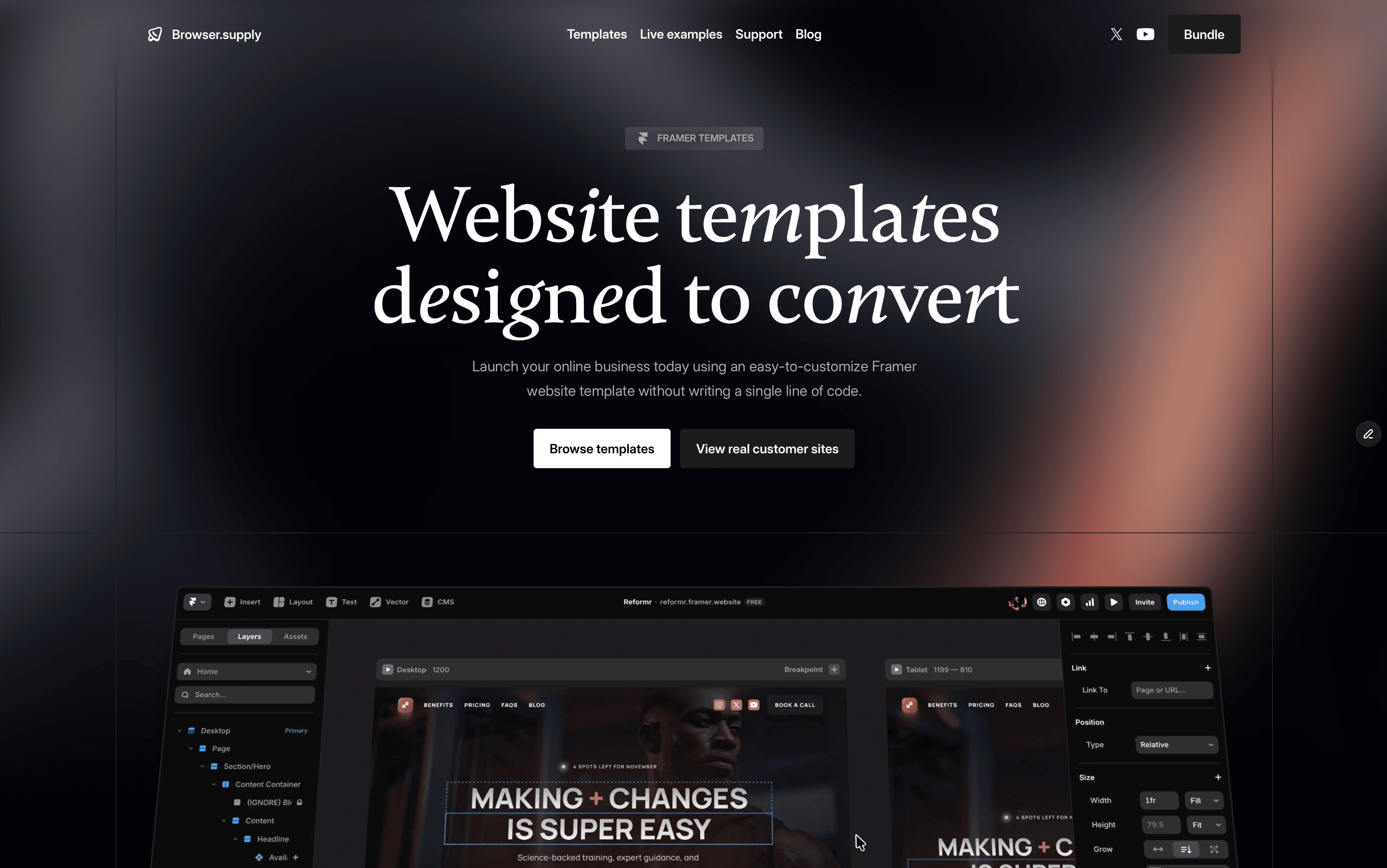
If you're leaning toward Framer and want a head start, browse industry-specific templates at Browser Supply that come pre-built for your niche. Pick one, swap your content in, and launch this weekend.
What's Next
If you're leaning toward Framer, start with a template in your niche and customize from there. If Webflow feels right, their university (university.webflow.com) is the best free resource for learning the platform.
Either way, stop comparing and start building. A good website that's live today beats a perfect website that's still in your head next month.
Frequently Asked Questions
Is Framer or Webflow better for a small business website?
For most small businesses that need a clean, professional site with under 50 pages, Framer is the better choice. It's faster to learn, cheaper to run ($10-30/month vs $15-25/month), and gets you from zero to live faster. Webflow becomes the better option when you need serious ecommerce, a large content library (100+ pages), or granular SEO controls. Both produce fast, mobile-responsive sites that look professional.
Do I need to know how to code to use Webflow or Framer?
No. Both platforms are no-code website builders. You design visually by dragging elements, clicking to edit text, and adjusting settings through menus. That said, Webflow's interface is more complex and has a steeper learning curve (roughly 1-2 months to feel comfortable). Framer's interface is simpler and most people can build a basic site within their first weekend.
Can I switch from Webflow to Framer (or the other way) later?
Yes, but it's not a one-click migration. You'd need to rebuild your site on the new platform. Your content (text, images) transfers easily, but the design and layout need to be recreated. This is why the initial platform choice matters. If you're unsure, start with whichever is cheaper and simpler for your current needs. You can always rebuild later if your business outgrows it.
Which platform has better page speed and performance?
Both can achieve excellent performance scores. Framer tends to score higher out of the box (90+ on Google PageSpeed Insights) thanks to static site generation and aggressive optimization defaults. Webflow can match those scores but may require more manual optimization. In practice, the build quality matters more than the platform. A clean Framer site and a clean Webflow site will both pass Google's Core Web Vitals.
Is Framer actually catching up to Webflow?
Yes. As of 2026, Framer has surpassed Webflow in Google search interest, and the platform has made major improvements to its CMS, pricing (Basic plan bandwidth increased 5x), and team features (new $10/month Content Editor seats). Webflow is still ahead on CMS depth, ecommerce, and enterprise features, but the gap is closing fast. For simple to medium-complexity sites, Framer is now a genuine competitor.